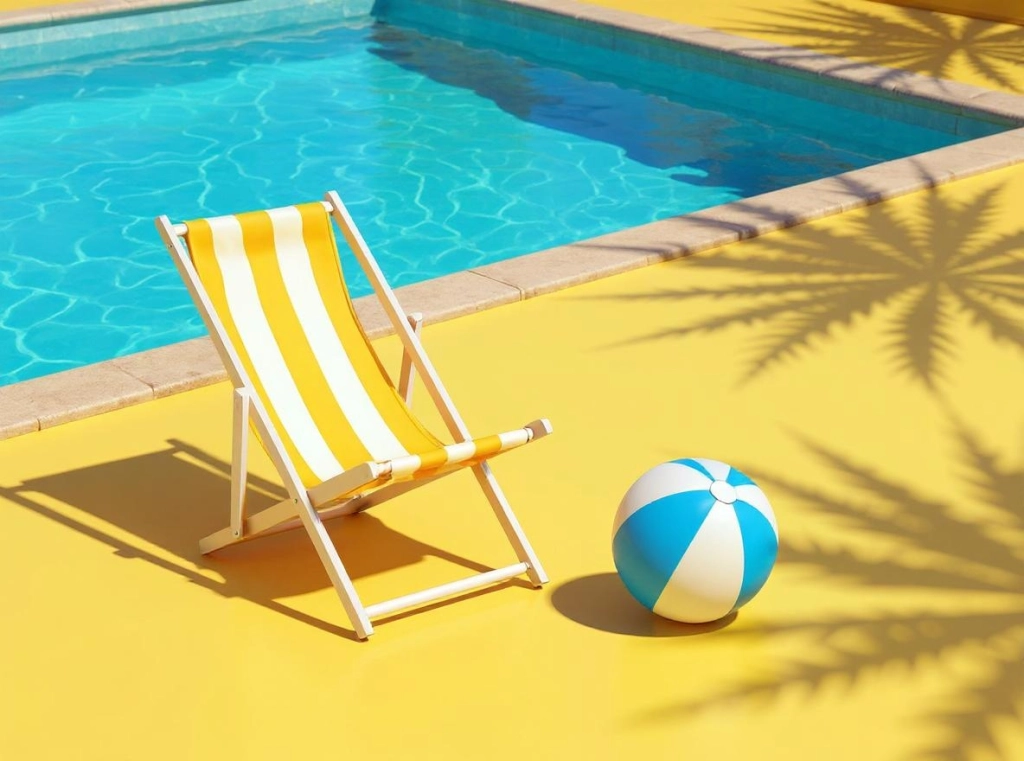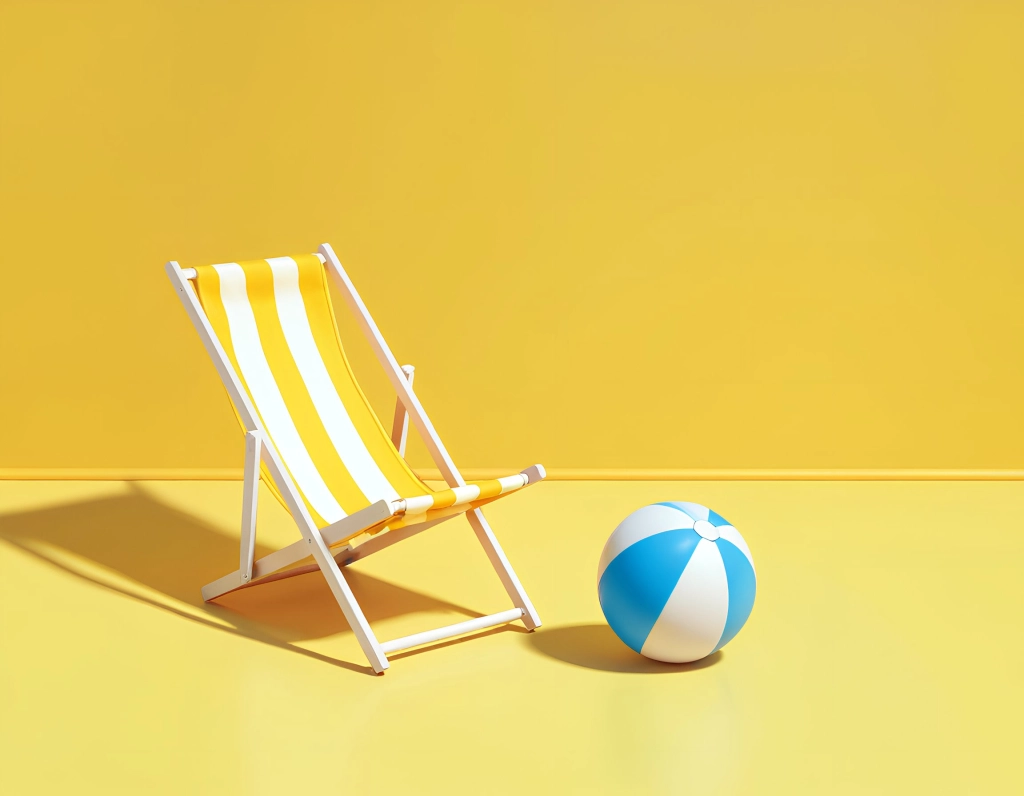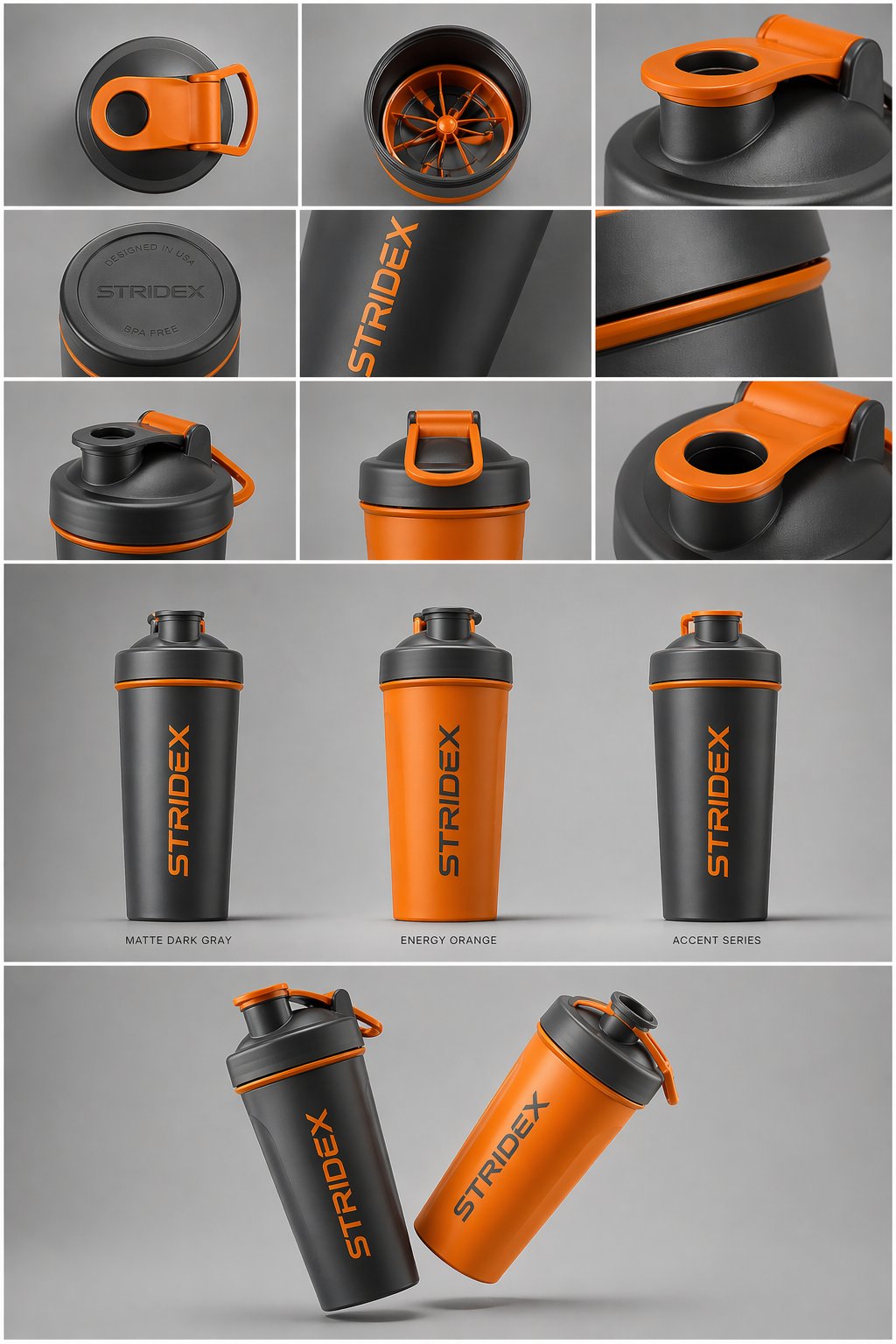
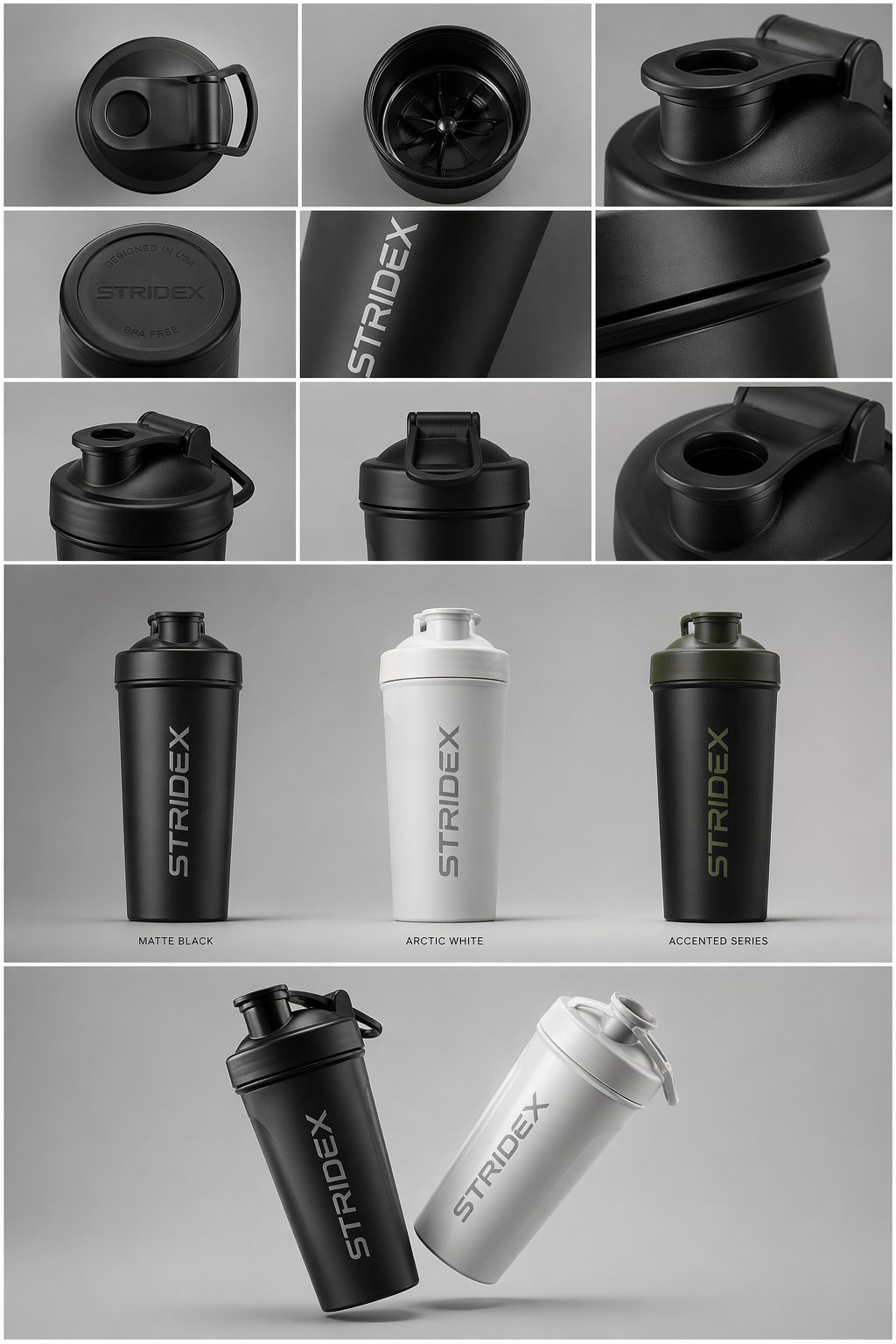
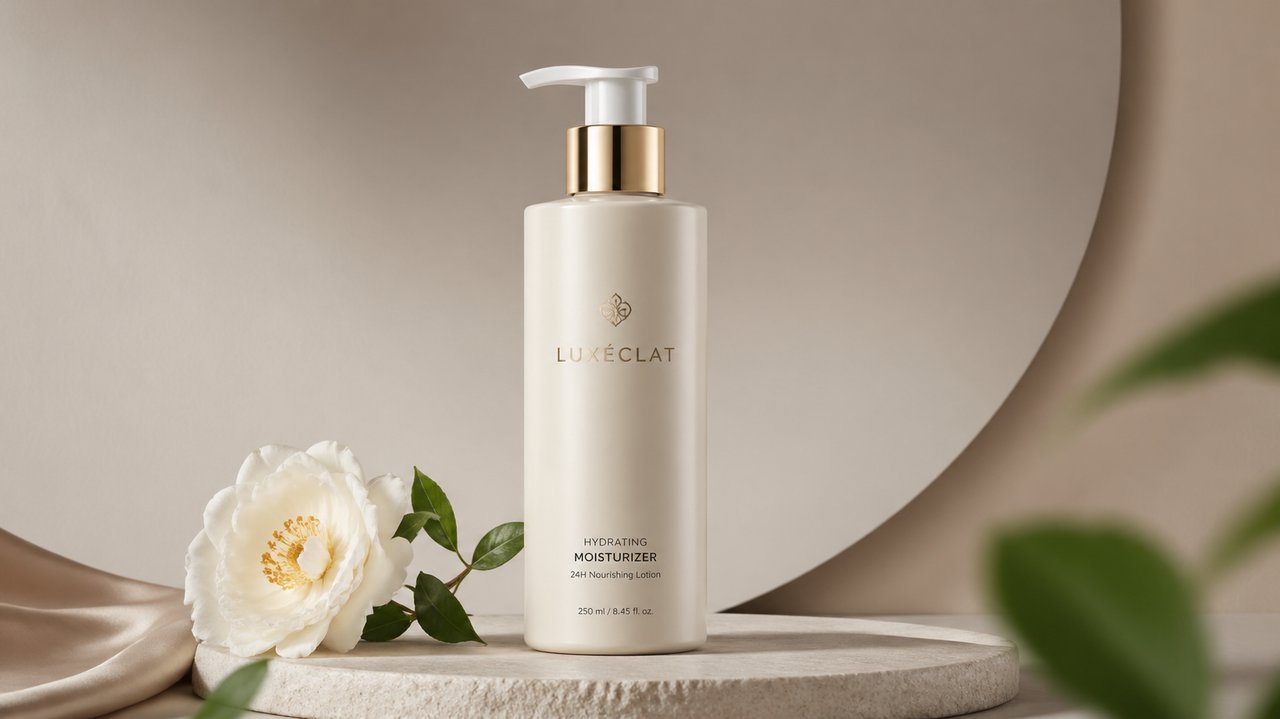
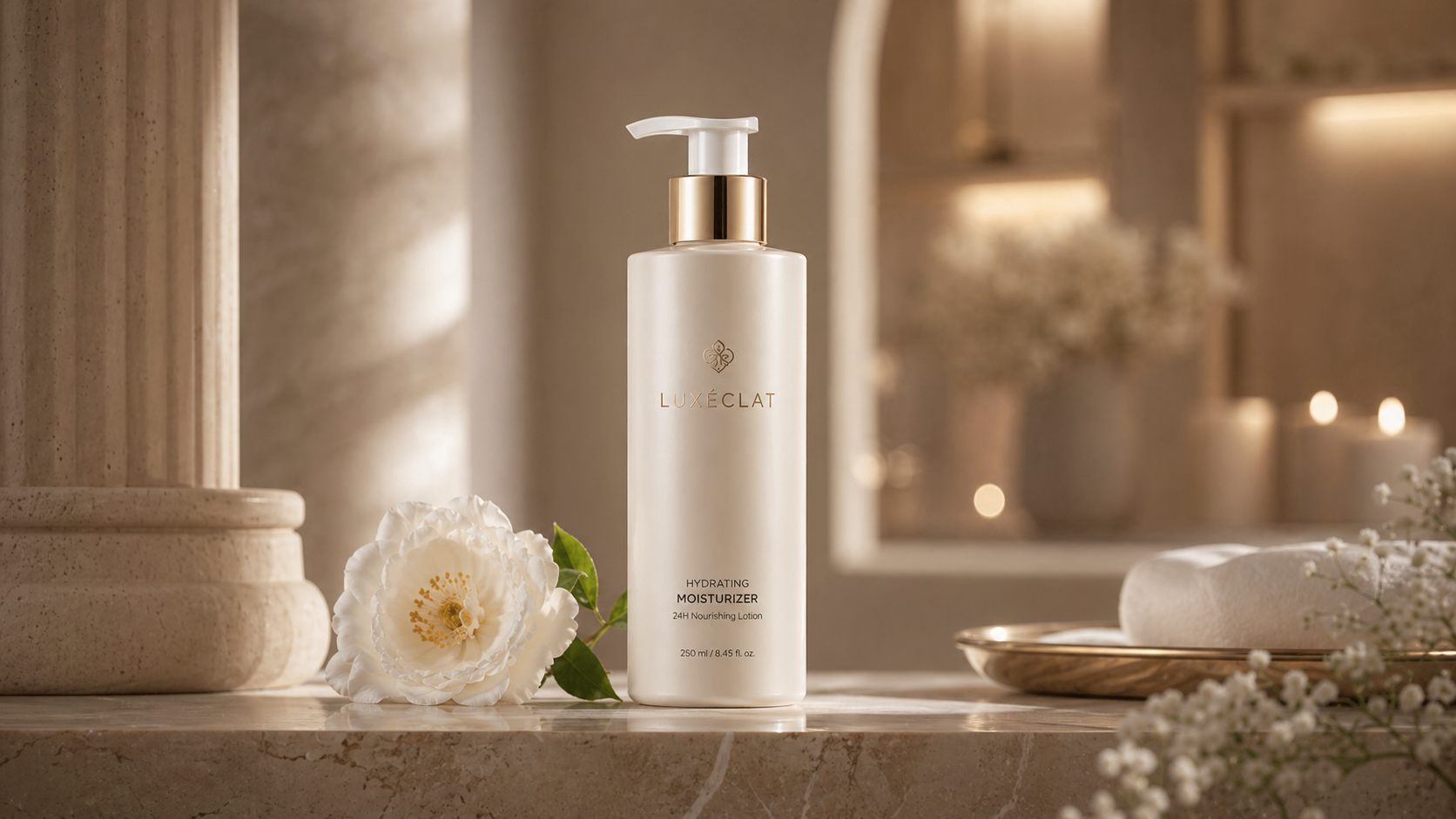
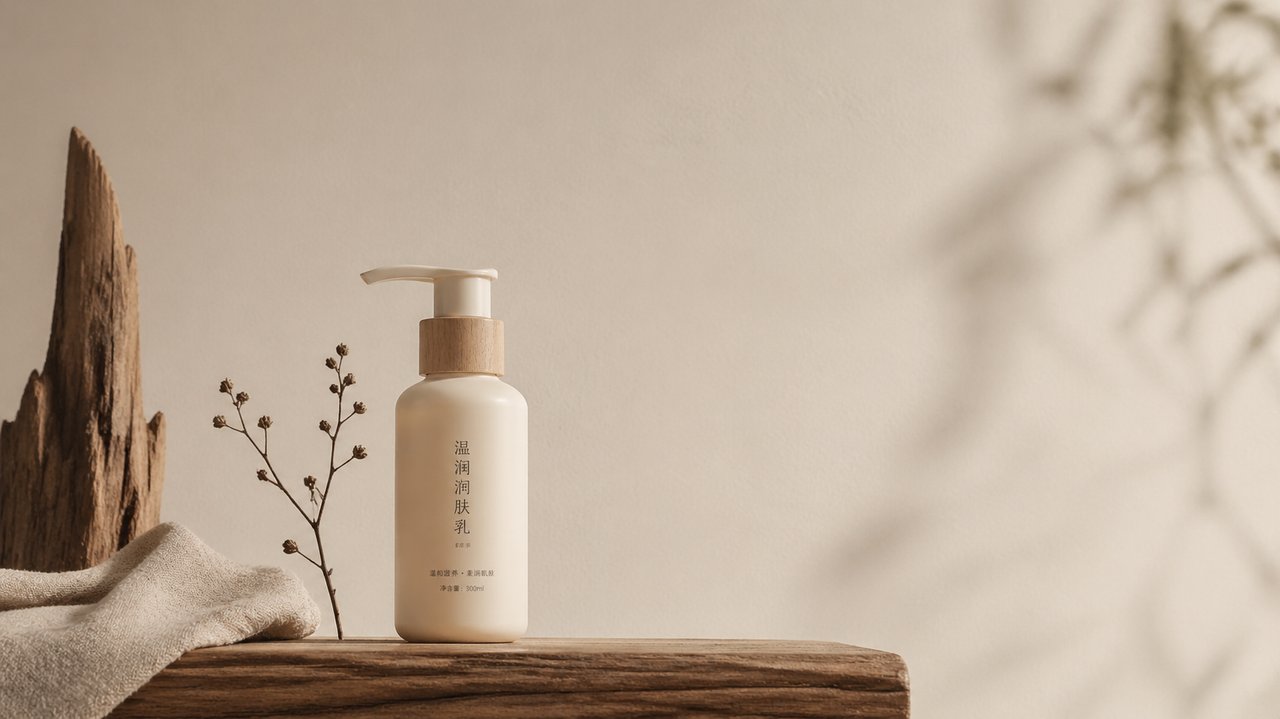
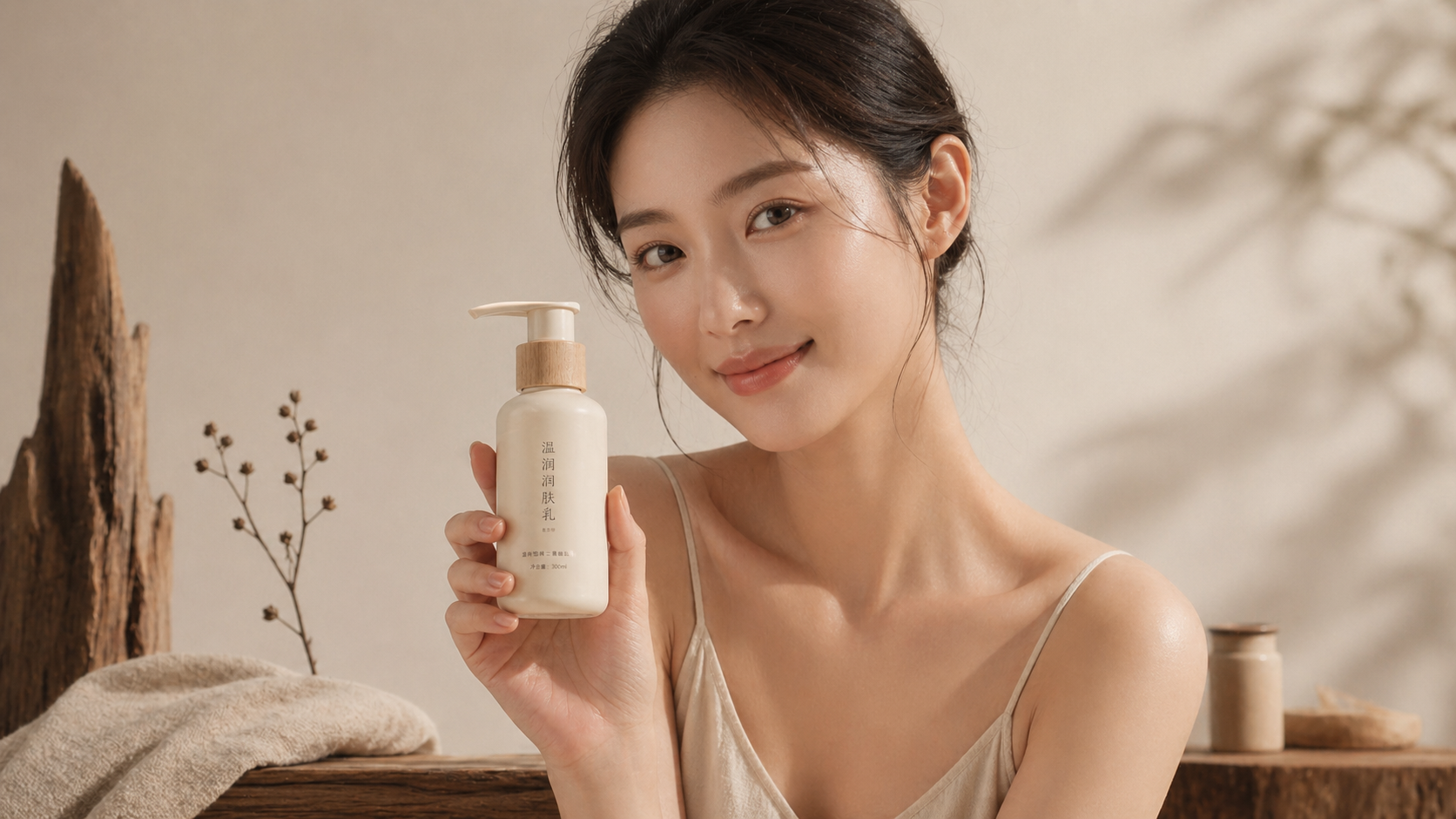
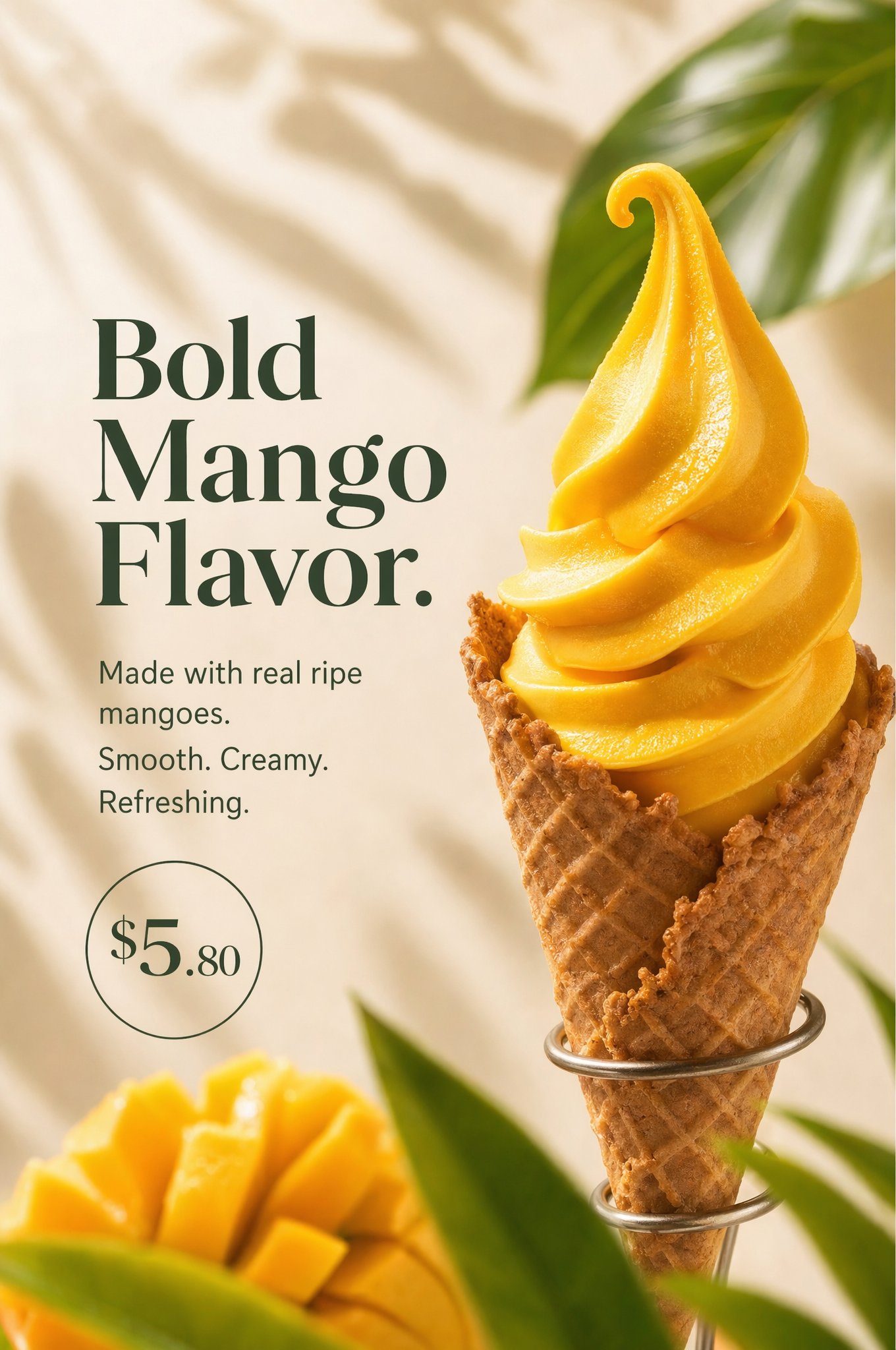
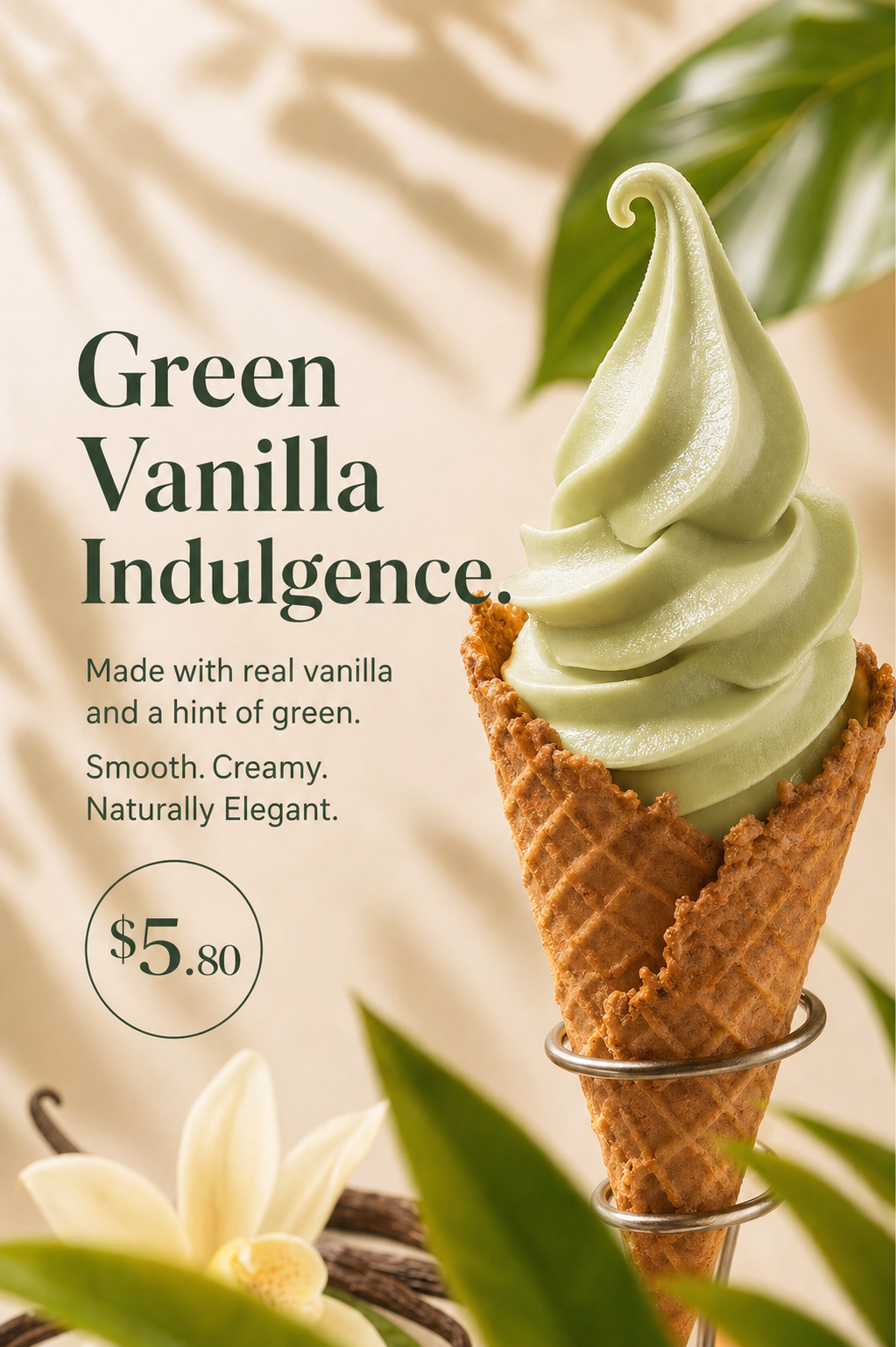
GPT Image 2 – AI Image Generator for Consistent Brand Campaigns

Create images from text, edit photos, upscale details, and transform styles with GPT Image 2 — free to start, no complex setup.

Image 2 AI Creation Workbench

Use advanced AI to turn your ideas into production-ready images.

Get 20 Free Credits to Try Image 2
Sign up to create about 1 HD image with the Image 2 model — no credit card needed.
92/5000

Upload reference images for image-to-image generation

Add
Add more images (2/10)
example-1-ref-1.avif
URL
example-1-ref-2.avif
URL

Uses 15 credits per image. Free plan includes 20 credits (about 1 HD image).

Image 2
GPT Image 2 example image for Real-world Knowledge: Neon cyberpunk street at night with rain reflections, cinematic lighting, ultra-detailed, 4k

Try These Examples

Click to auto-fill and see results

💡 Examples are editable after loading

Background Replacement

Replace locations with natural-language prompts—GPT Image 2 understands depth, reflections, and product shadows so composites stay believable.

Try GPT Image 2
GPT Image 2 background replacement result with a new scene
AI Enhanced Result
"Perfect consistency with AI-powered editing"

Lighting Adjustment

Dial exposure, rim light, and color temperature like a virtual DP. GPT Image 2 delivers ultra-nuanced relighting for any scene without artifacts.

Try GPT Image 2
Original portrait before GPT Image 2 lighting adjustment
Before AI Enhancement
GPT Image 2 lighting adjustment result with improved relighting
AI Enhanced Result
"Perfect consistency with AI-powered editing"

Style Conversion

Jump between cinematic, editorial, anime, or product render styles while keeping subjects intact.

Try GPT Image 2
Original image before GPT Image 2 style conversion
Before AI Enhancement
GPT Image 2 style conversion result with a new visual style
AI Enhanced Result
"Perfect consistency with AI-powered editing"

Color Change

Control hue, saturation, and accent colors with text commands—perfect for brand palette explorations.

Try GPT Image 2
Original image before GPT Image 2 color change
Before AI Enhancement
GPT Image 2 color change result with updated palette
AI Enhanced Result
"Perfect consistency with AI-powered editing"

Age Transformation

Apply lifelike aging or de-aging effects using the GPT Image 2 editor without touching 3D tools.

Try GPT Image 2
Original portrait before GPT Image 2 age transformation
Before AI Enhancement
GPT Image 2 age transformation result
AI Enhanced Result
"Perfect consistency with AI-powered editing"

Image to Figure

Convert photos into collectible-style renders. GPT Image 2 maps materials, lighting, and depth for convincing 3D looks.

Try GPT Image 2
Original photo before GPT Image 2 image to figure conversion
Before AI Enhancement
GPT Image 2 image to figure result
AI Enhanced Result
"Perfect consistency with AI-powered editing"

Posture Change

Apply skeleton poses or reference scans to re-stage characters, ideal for gaming, VTubing, or mocap previz.

Try GPT Image 2
Original character pose before GPT Image 2 posture change
Before AI Enhancement
GPT Image 2 posture change result
AI Enhanced Result
"Perfect consistency with AI-powered editing"

Viewpoint Switching

Orbit cameras, push zooms, and reframe scenes while GPT Image 2 preserves proportions and wardrobe details.

Try GPT Image 2
Original scene before GPT Image 2 viewpoint switching
Before AI Enhancement
GPT Image 2 viewpoint switching result
AI Enhanced Result
"Perfect consistency with AI-powered editing"

Storyboard Creation

Generate sequential frames with identical faces, props, and typography so pitches feel like finished productions.

Try GPT Image 2
Original frame before GPT Image 2 storyboard creation
Before AI Enhancement
GPT Image 2 storyboard creation result
AI Enhanced Result
"Perfect consistency with AI-powered editing"

Simple, Guided Workflow

GPT Image 2 was designed for fast briefing: upload references, describe the change, ship the result. No 3D suite or prompt engineering required.

GPT Image 2 AI

Drag reference images or click to upload

Support up to 12 images

Prompt
Describe the look, mood, or edit you need...
Start Generation
1

Upload Reference Images

Drag-and-drop product shots, faces, or environments (up to 12).

2

Describe the Brief

Type natural-language prompts for lighting, camera, wardrobe, or typography.

3

Generate & Download

Review GPT Image 2’s previews, refine if needed, then export watermark-free.

What is GPT Image 2?

GPT Image 2 is an online AI image tool for generating, editing, upscaling, and transforming images from prompts or reference images.

Testimonials

What our customers are saying

Sarah Chen

Marketing Director

GPT Image 2's prompt understanding is incredible. It captures exactly what I envision and delivers professional results every time.

Marcus Johnson

Creative Director

The quality at 4K resolution is outstanding. We use GPT Image 2 for all our commercial campaigns now.

Elena Rodriguez

Graphic Designer

The editing workflow is fast enough that I can iterate on campaign visuals in minutes instead of bouncing between tools.

David Kim

Product Manager

We use GPT Image 2 when we need faster visual iteration for product ideas, posters, and launch assets.

Amara Okafor

Brand Strategist

The photorealistic quality and diverse artistic styles make GPT Image 2 perfect for any brand identity project.

Thomas Weber

Freelance Artist

I like that I can stay closer to the original composition while still making meaningful prompt-based changes.

Priya Sharma

E-commerce Manager

We've cut our product photography costs by 80% while maintaining professional quality. GPT Image 2 is essential for our business.

James Mitchell

Content Creator

The 12B parameter model understands nuance like no other tool. My content has never looked better or been produced faster.

Aisha Patel

Digital Artist

GPT Image 2's artistic range is stunning. From photorealism to abstract art, it handles every style with exceptional quality.

Carlos Mendez

Advertising Executive

The commercial licensing on GPT Image 2 gives us complete peace of mind. Quality and legal clarity in one powerful package.

Lisa Wang

UX Designer

Reference-driven edits help us keep product mockups more consistent across a whole launch set.

Ahmed Hassan

Photography Studio Owner

GPT Image 2 has revolutionized our business. The quality rivals traditional photography at a fraction of the time and cost.

FAQ

Frequently Asked Questions

GPT Image 2 generates images at a native 2K resolution by default, with optional upscaling to 4K for hero visuals and print-style assets. Ultra mode targets up to ~4 megapixels so your key visuals stay sharp on desktop, mobile, and large-format placements.
Use GPT Image 2 when you need a browser-based image workflow for generation, editing, upscaling, and image-to-image tasks. Pick the paid plan based on how many credits and 4K exports you need, not on fake model variants.
Yes. You can start from an uploaded image or from a generated result, then adjust the background, lighting, color, style, or framing with prompt-based edits.
Eligible paid plans are intended for commercial workflows such as product visuals, ads, posters, and campaign assets, subject to our Terms of Service and provider policies.
Each generation, upscale, and advanced edit consumes credits. The exact credit cost is shown next to each mode inside the app, and you can find a full breakdown on our pricing page. You only pay for successful generations; failed jobs are automatically refunded back to your balance.
We only use your images and prompts to process your requests and deliver results in your account. We don’t sell your data or use your content to train our own models without your explicit consent. For details on retention periods and logs kept by our infrastructure providers, please review the Privacy Policy on gptimage2.dev.
By default, images exported from GPT Image 2 do not include visible watermarks, so you can use them directly in your layouts. However, some platforms may still detect that assets are AI-generated. If you need explicit AI labels or watermarks for compliance reasons, you can add them manually or contact us to discuss custom settings.
The current focus is the web app workflow. If you need API access for automation, contact us with your use case.
If you have any questions about prompts, credits, or licensing, email [email protected] with your account email, a short description of the issue, and screenshots if needed.

Ready to Transform Your Images?

Join thousands of teams building with the GPT Image 2 image generator and editor. Start free, upgrade only when you need higher volume.