AI product photography workflow
Edit ecommerce product photos faster without reshooting every SKU
Upload an existing product photo and use GPT Image 2 to clean the background, improve lighting, sharpen labels, and create a more consistent ecommerce image for listings, ads, and launch pages.
Use this workflow when the product is already real but the photo is not sales-ready. Start from your source image, describe the retouch, and produce cleaner AI product photography for Shopify, Amazon, Etsy, paid social, and product detail pages.
- Edit existing product photos instead of generating a fake replacement from scratch
- Handle product background remover, lighting correction, and label cleanup in one workflow
- Useful for Shopify, Amazon, Etsy, landing pages, and paid social creatives
- Faster path to consistent AI product photography across a catalog
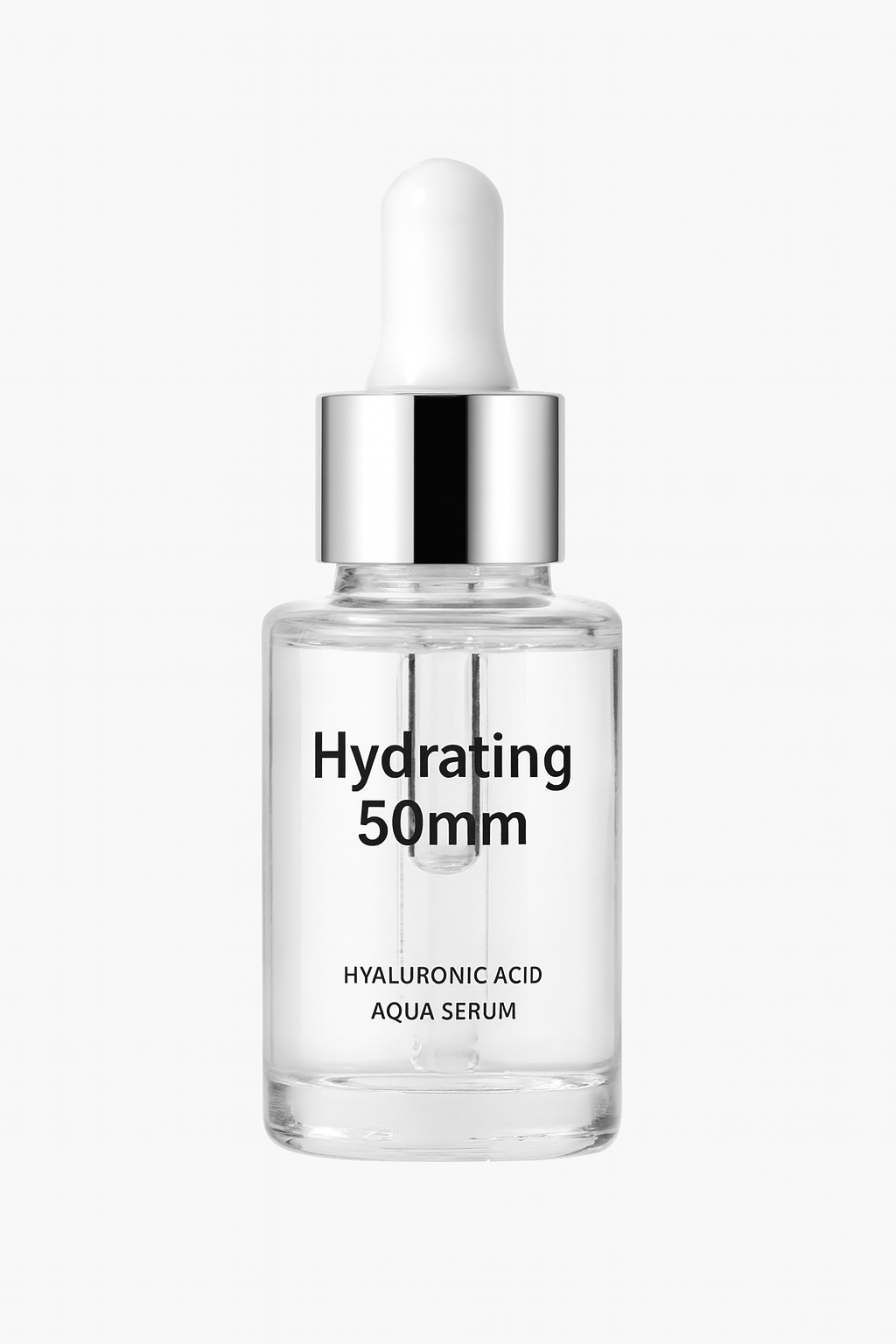
Before
After
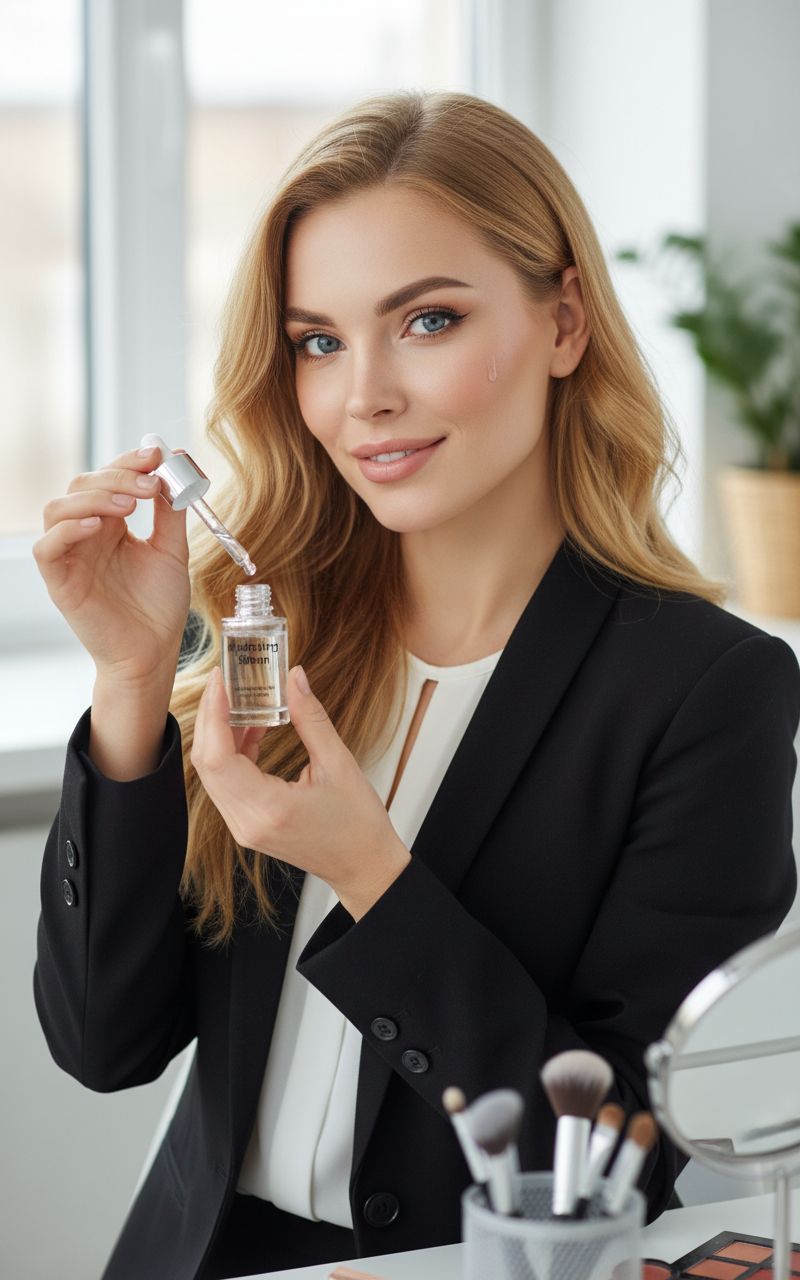
One source product image edited into a cleaner ecommerce hero shot
Use an existing product reference, keep the shape and branding intact, then improve the scene around it for a sharper ecommerce hero image.
Example prompt
Keep the product shape and branding intact, replace the messy background with a clean warm-beige studio setup, improve edge separation, add soft realistic shadow, sharpen the label text, and turn this into a premium ecommerce skincare hero image.
Ecommerce listing cleanup
Upgrade product thumbnails, PDP hero images, and marketplace listings when the original photo is usable but not polished enough.
Product photo retouching for ads
Create cleaner product cutouts and stronger product image composition before turning them into banners, posters, or paid social assets.
Catalog consistency
Standardize mixed product photography across old and new SKUs so your storefront looks more trustworthy and conversion-ready.
What makes a product photo edit good enough to trust
A useful AI product photo editor should improve the commercial image without inventing a different product. Use these checks before you publish a generated edit.
Product truth comes first
The edit should preserve the real shape, scale, label hierarchy, logo placement, color family, and material cues from the source photo.
Scene supports the selling job
Choose a studio, shelf, countertop, or lifestyle setup based on where the image will appear: PDP gallery, marketplace listing, launch page, or ad.
Details are reviewed before use
Zoom in on labels, edges, shadows, reflections, and product proportions before using the image in ecommerce or paid campaigns.
Product photo edit prompt checklist
Start by protecting what must not change, then describe the commercial improvement you want.
Lock the product identity
Say which parts must stay unchanged: bottle shape, package color, cap, logo, front label, texture, and product angle.
Specify the edit type
Ask for background cleanup, lighting correction, edge separation, natural shadow, dust removal, label clarity, or a premium studio setup.
Name the channel
Mention whether the final image is for Amazon, Shopify, Etsy, a hero section, a paid social ad, or an internal merchandising review.
When this workflow is not the right fit
Exact regulatory text needs review
Do not rely on an AI edit as the final source of truth for nutrition facts, ingredient lists, compliance text, or legal packaging copy.
Damaged source photos limit the result
If the original image is blurry, cropped, overexposed, or missing key product details, reshooting may be faster than forcing an edit.
New concepts need generation first
If you do not have a real product photo yet, start with an image generation or packaging mockup workflow before editing.
How it works
Step 1
Upload the real product photo
Start from the product image you already use for ecommerce or internal merchandising instead of rebuilding the item from zero.
Step 2
Describe the product photo edit clearly
Specify background removal, lighting correction, shadow quality, surface cleanup, label clarity, and how premium the final image should feel.
Step 3
Export the strongest listing-ready version
Keep the best result for storefront use, then continue into background replacement, upscaling, or additional campaign variations.
FAQ
What is an AI product photo editor best for?
It is best for improving an existing product image: cleaner backgrounds, more consistent lighting, sharper details, and faster ecommerce-ready product photography.
Should I use an AI product photo editor or an AI product photo generator?
Use editing when you already have a real product shot and need product photo retouching. Use full generation when you need a brand new concept, packaging scene, or hero composition from scratch.
Can this help with product image consistency across a catalog?
Yes. Editing from real source photos is usually the fastest way to keep the same product shape, branding, and proportions while improving the visual quality across multiple listings.
Can it preserve exact labels and logos?
Starting from a real image helps, but you should still inspect every label, logo, and small detail before publishing. For exact text-heavy designs, use this as an editing pass and keep final review in your design workflow.
How do I write a better product photo edit prompt?
Tell the model what must stay unchanged, what should be improved, the lighting and background you want, and the channel where the image will be used.