AI 商品摄影工作流
不用重拍每个 SKU,也能更快把商品图修到可上架
上传已有商品图,用 GPT Image 2 清理背景、优化光线、强化标签清晰度,并生成更统一的电商商品图,用于上架、广告和新品页面。
当产品本身已经真实存在,但照片还不够适合销售时,用这个工作流从原图开始描述精修需求,更快得到适合 Shopify、Amazon、Etsy、广告投放和详情页的 AI product photography。
- Edit existing product photos instead of generating a fake replacement from scratch
- Handle product background remover, lighting correction, and label cleanup in one workflow
- Useful for Shopify, Amazon, Etsy, landing pages, and paid social creatives
- Faster path to consistent AI product photography across a catalog
- 直接编辑现有商品图,不必从零生成一个替代产品
- 把 product background remover、补光、修边、标签清晰度提升放进一个工作流
- 适合 Shopify、Amazon、Etsy、独立站详情页和广告素材
- 更适合做目录级 AI product photography 统一化
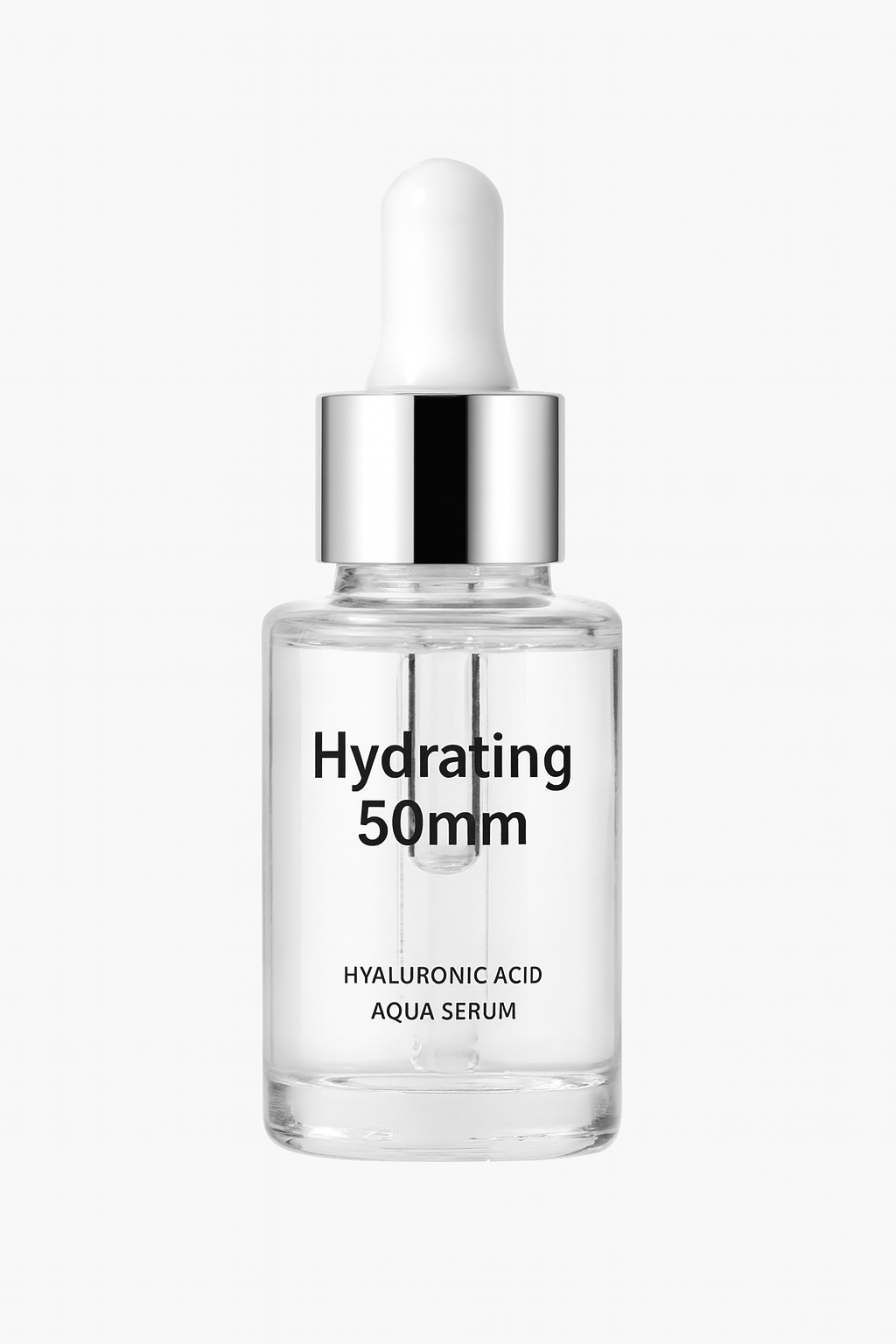
处理前
处理后
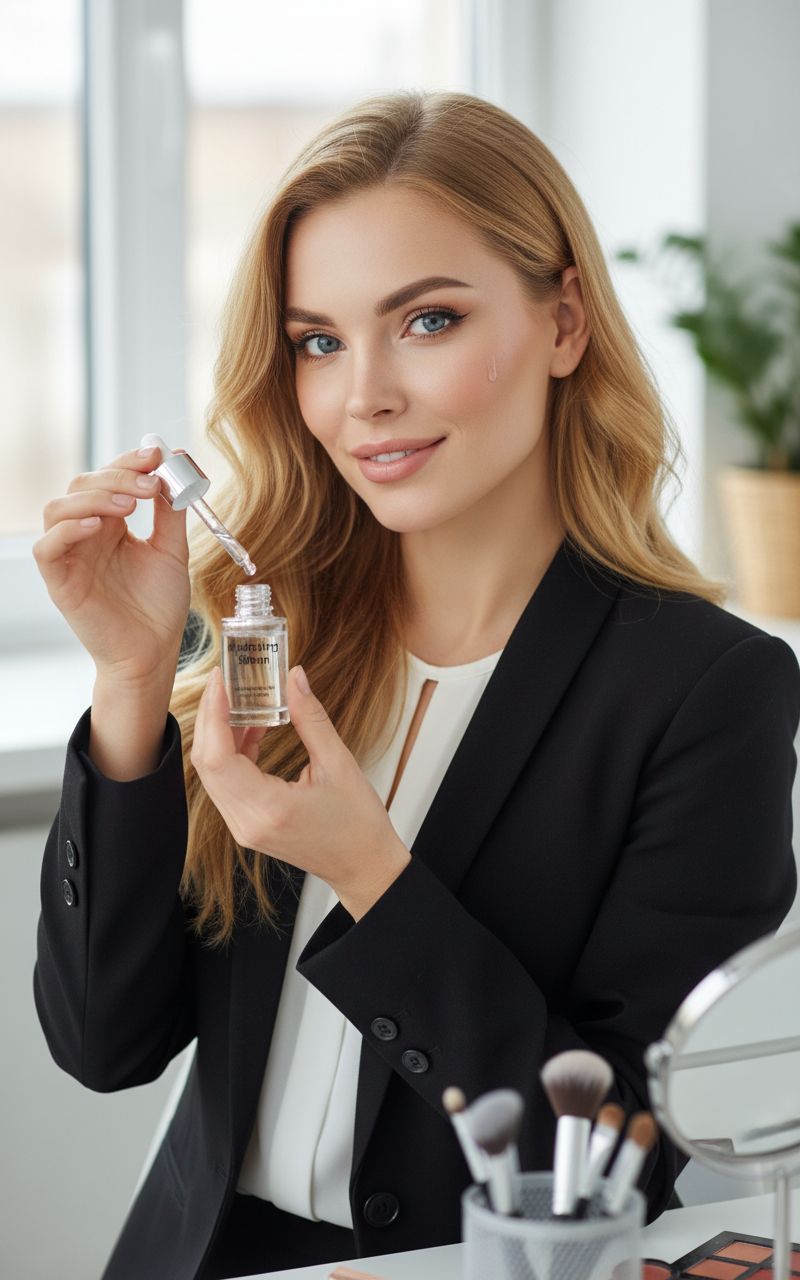
同一张商品原图,直接修成更适合电商主图的版本
从现有商品参考图开始,保留产品形态和品牌信息,只提升周围场景、光线和主图质感。
示例提示词
Keep the product shape and branding intact, replace the messy background with a clean warm-beige studio setup, improve edge separation, add soft realistic shadow, sharpen the label text, and turn this into a premium ecommerce skincare hero image.
Ecommerce listing cleanup
Upgrade product thumbnails, PDP hero images, and marketplace listings when the original photo is usable but not polished enough.
Product photo retouching for ads
Create cleaner product cutouts and stronger product image composition before turning them into banners, posters, or paid social assets.
Catalog consistency
Standardize mixed product photography across old and new SKUs so your storefront looks more trustworthy and conversion-ready.
电商上架图清理
当原始商品图还能用,但不够干净、不够统一时,快速修成更适合详情页、缩略图和平台上架的版本。
广告前商品精修
先把商品图修干净,再继续扩展成 banner、海报、投放图和活动主视觉。
目录一致性优化
把不同时间、不同光线、不同布景拍出来的商品图拉回统一视觉,降低整站割裂感。
什么样的商品图编辑结果才值得发布
高质量的 AI 商品图编辑,应该提升商业呈现,而不是悄悄把真实产品改成另一个产品。发布前可以按这些标准检查。
Product truth comes first
The edit should preserve the real shape, scale, label hierarchy, logo placement, color family, and material cues from the source photo.
Scene supports the selling job
Choose a studio, shelf, countertop, or lifestyle setup based on where the image will appear: PDP gallery, marketplace listing, launch page, or ad.
Details are reviewed before use
Zoom in on labels, edges, shadows, reflections, and product proportions before using the image in ecommerce or paid campaigns.
产品真实性优先
产品外形、比例、标签层级、logo 位置、颜色体系和材质信息都应尽量保留原图特征。
场景服务销售目的
根据使用位置选择棚拍、货架、台面或生活方式场景,比如详情页、平台上架、上新页或广告投放。
细节必须二次检查
上线前放大检查标签、边缘、阴影、反光、产品比例和小字,避免把错误直接带进电商或广告素材。
商品图编辑提示词检查清单
先保护不能变的部分,再描述你想要的商业化提升。
Lock the product identity
Say which parts must stay unchanged: bottle shape, package color, cap, logo, front label, texture, and product angle.
Specify the edit type
Ask for background cleanup, lighting correction, edge separation, natural shadow, dust removal, label clarity, or a premium studio setup.
Name the channel
Mention whether the final image is for Amazon, Shopify, Etsy, a hero section, a paid social ad, or an internal merchandising review.
锁定产品身份
说明哪些部分不能改:瓶身形状、包装颜色、瓶盖、logo、正面标签、纹理和产品角度。
明确编辑类型
可以要求清理背景、修正光线、增强边缘分离、加入自然阴影、去灰尘、提升标签清晰度或改成高级棚拍。
写清使用渠道
说明最终图片用于 Amazon、Shopify、Etsy、首屏 hero、社媒广告还是内部选品评审。
什么时候不适合只用这个工作流
Exact regulatory text needs review
Do not rely on an AI edit as the final source of truth for nutrition facts, ingredient lists, compliance text, or legal packaging copy.
Damaged source photos limit the result
If the original image is blurry, cropped, overexposed, or missing key product details, reshooting may be faster than forcing an edit.
New concepts need generation first
If you do not have a real product photo yet, start with an image generation or packaging mockup workflow before editing.
法规和成分文字要人工确认
营养表、成分、合规说明、法律文案和包装小字,不能把 AI 编辑结果当作最终可信来源。
原图太差会限制结果
如果原图模糊、裁切严重、过曝或缺少关键产品细节,重新拍摄可能比强行编辑更快。
全新概念应先生成
如果还没有真实商品图,先用图片生成或包装 Mockup 工作流做方向,再进入编辑流程。
使用方式
步骤 1
Upload the real product photo
Start from the product image you already use for ecommerce or internal merchandising instead of rebuilding the item from zero.
步骤 2
Describe the product photo edit clearly
Specify background removal, lighting correction, shadow quality, surface cleanup, label clarity, and how premium the final image should feel.
步骤 3
Export the strongest listing-ready version
Keep the best result for storefront use, then continue into background replacement, upscaling, or additional campaign variations.
步骤 4
上传真实商品图
从你已经用于电商或内部陈列的真实商品图开始,而不是从零造一个新产品。
步骤 5
清楚描述编辑目标
把背景清理、补光、阴影、边缘、标签清晰度和最终售卖感一次说清楚。
步骤 6
保留最适合上架的版本
挑出最适合商品详情页和广告使用的版本,再继续放大、换背景或扩展 campaign 素材。
常见问题
What is an AI product photo editor best for?
It is best for improving an existing product image: cleaner backgrounds, more consistent lighting, sharper details, and faster ecommerce-ready product photography.
Should I use an AI product photo editor or an AI product photo generator?
Use editing when you already have a real product shot and need product photo retouching. Use full generation when you need a brand new concept, packaging scene, or hero composition from scratch.
Can this help with product image consistency across a catalog?
Yes. Editing from real source photos is usually the fastest way to keep the same product shape, branding, and proportions while improving the visual quality across multiple listings.
Can it preserve exact labels and logos?
Starting from a real image helps, but you should still inspect every label, logo, and small detail before publishing. For exact text-heavy designs, use this as an editing pass and keep final review in your design workflow.
How do I write a better product photo edit prompt?
Tell the model what must stay unchanged, what should be improved, the lighting and background you want, and the channel where the image will be used.
AI 商品图编辑器最适合做什么?
最适合处理已有商品图:清背景、调光线、提细节、修边缘,并更快得到电商可用的 product photography 结果。
应该用 AI 商品图编辑器还是商品图生成器?
如果你已经有真实商品照片,优先用编辑器做 product photo retouching;如果你还没有可用图,才更适合先用生成器从零做概念。
它适合做目录一致性吗?
适合。以真实商品图为起点,通常更容易保持产品外形、品牌元素和比例一致,再统一提升整批商品图质量。
它能保留精确标签和 logo 吗?
从真实图片开始会更有帮助,但发布前仍要逐一检查标签、logo 和小细节。如果是文字很重要的包装图,建议把它作为编辑步骤,最终文字仍在设计流程里确认。
商品图编辑提示词怎么写更好?
先说明哪些内容不能变,再写清要改善的背景、光线、阴影、清晰度和使用渠道。